
Anúncios
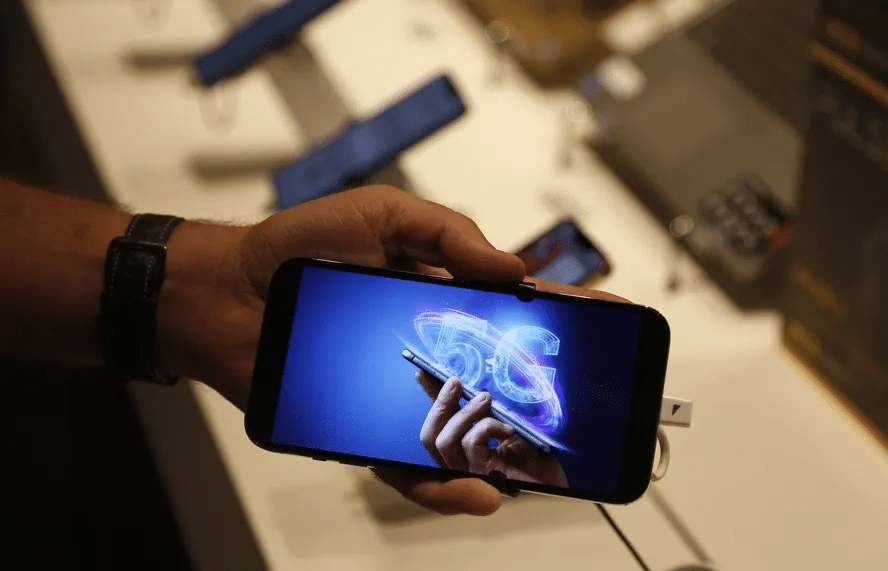
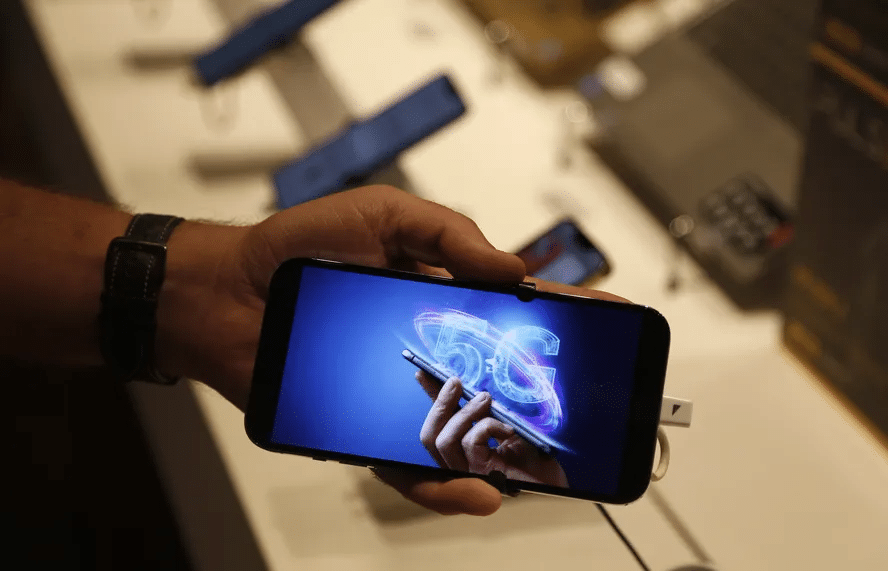
5G technology is revolutionizing how we connect, communicate, and consume content on our mobile devices, offering unprecedented speed and reliability. Activating 5G on Your Mobile Phone: A Guide.


As 5G networks continue to expand globally, millions of smartphone users are eager to experience lightning-fast download speeds, seamless streaming, and enhanced connectivity. However, simply having a 5G-capable phone isn’t enough—you need to properly activate and configure your device to take full advantage of this cutting-edge technology.
Anúncios
Whether you’ve just purchased a new 5G smartphone or your carrier has recently launched 5G services in your area, understanding the activation process is essential. This comprehensive guide walks you through everything you need to know about enabling 5G on your mobile phone, from compatibility checks to troubleshooting common issues. 📱✨
Understanding 5G Technology and Your Device Compatibility
Before diving into the activation process, it’s crucial to verify that your smartphone actually supports 5G connectivity. Not all devices are created equal, and 5G capability varies depending on your phone’s model, manufacturer, and release date.
Anúncios
To check if your phone supports 5G, navigate to your device’s specifications either through the settings menu or the manufacturer’s official website. Look for mentions of “5G NR,” “5G connectivity,” or specific band support. Most flagship phones released after 2019 include 5G capabilities, though budget and mid-range devices took longer to adopt the technology.
Keep in mind that 5G comes in different flavors: low-band, mid-band, and high-band (mmWave). Your device might support one or multiple bands, which affects the speeds and coverage you’ll experience. High-band 5G offers blazing speeds but limited range, while low-band provides broader coverage with more modest speed improvements over 4G LTE.
Verifying Your Carrier’s 5G Network Availability 🌐
Even with a 5G-compatible phone, you won’t experience 5G speeds if your wireless carrier hasn’t deployed the network in your area. Carrier coverage maps are your best resource for determining 5G availability.
Visit your carrier’s official website and locate their 5G coverage map. These interactive tools allow you to enter your address or zip code to see if 5G service is available. Be aware that coverage maps sometimes show planned or partial deployments, so actual performance may vary.
Additionally, check whether your current plan includes 5G access. Some carriers require you to upgrade to specific unlimited plans or pay additional fees to access 5G networks. Contact customer service or review your account details online to confirm your plan’s 5G eligibility.
Ensuring You Have the Right SIM Card
One often-overlooked requirement for 5G activation is having the correct SIM card. While many modern devices use eSIM technology, physical SIM cards still require specific specifications to support 5G connectivity.
Older SIM cards may not be compatible with 5G networks, even if your phone and plan support it. If your SIM card is more than a few years old, contact your carrier to request a 5G-compatible SIM. Most carriers provide these free of charge, though some may require you to visit a retail store for the swap.
For devices with eSIM capability, the process is even simpler. Your carrier can remotely provision your eSIM with 5G access, often requiring just a quick call or online chat session. This eliminates the need for a physical card entirely and makes switching between carriers much easier.

Step-by-Step: Activating 5G on iPhone Devices 🍎
Apple made significant strides in 5G adoption starting with the iPhone 12 series. If you own an iPhone 12 or newer model, activating 5G is straightforward but requires navigating through specific settings.
Start by opening the Settings app on your iPhone. Scroll down and tap on “Cellular” or “Mobile Data,” depending on your region. Next, select “Cellular Data Options” or “Mobile Data Options.” Here, you’ll find the “Voice & Data” menu.
Within this menu, you’ll see several network options including LTE, 5G Auto, and 5G On. The “5G Auto” option intelligently switches between 5G and 4G LTE to optimize battery life, using 5G only when it provides a meaningful speed advantage. The “5G On” option keeps your device on 5G whenever available, maximizing speed but potentially draining your battery faster.
For most users, “5G Auto” provides the best balance between performance and battery longevity. However, if you want to ensure you’re always connected to 5G networks when available, select “5G On.” Your iPhone will immediately begin searching for 5G signals and connect when in range.
Additional iPhone 5G Settings Worth Exploring
Beyond basic activation, iPhone users can fine-tune their 5G experience through additional settings. In the same Cellular menu, you’ll find options for “Data Mode,” which controls how much data your apps can use on cellular networks.
The “Allow More Data on 5G” option enables higher-quality video streaming, FaceTime calls, and automatic app updates when connected to 5G. This takes full advantage of 5G’s increased bandwidth but can consume significantly more data. If you have an unlimited plan, this feature enhances your experience without worry.
Step-by-Step: Activating 5G on Android Devices 🤖
Android’s diverse ecosystem means the exact steps for enabling 5G vary by manufacturer and device model. However, the general process remains similar across most Android smartphones.
Begin by opening your device’s Settings app. Look for “Connections,” “Network & Internet,” or a similar option depending on your phone’s brand. Samsung devices typically use “Connections,” while Google Pixels use “Network & Internet.”
Once in the network settings, tap on “Mobile Networks” or “SIM Card & Mobile Networks.” Here, you should find an option labeled “Network Mode,” “Preferred Network Type,” or something similar. Tap this option to reveal available network types.
Select the option that includes 5G connectivity. Common labels include “5G/4G/3G/2G (auto connect),” “5G/LTE/3G/2G,” or simply “5G.” Your device will save this preference and automatically connect to 5G networks when available.
Brand-Specific Android Instructions
Samsung Galaxy users can access 5G settings by navigating to Settings > Connections > Mobile Networks > Network Mode. Select “5G/LTE/3G/2G (auto connect)” for optimal performance.
Google Pixel owners should go to Settings > Network & Internet > SIMs > Preferred Network Type, then choose “5G” from the list. The device will immediately begin searching for compatible networks.
OnePlus devices follow a similar path: Settings > Wi-Fi & Internet > SIM & Network > Select your SIM > Preferred Network Type > 5G. Xiaomi and other Chinese manufacturers typically place these settings under “SIM cards & mobile networks.”
Troubleshooting Common 5G Activation Issues 🔧
Even after following the correct activation steps, some users encounter problems accessing 5G networks. Understanding common issues and their solutions can save considerable frustration.
If you don’t see 5G options in your settings menu, first verify that your device truly supports 5G by checking the manufacturer’s specifications. Some regional variants of the same phone model lack 5G capability due to regulatory differences.
Another common culprit is outdated software. Carriers and manufacturers frequently release updates that improve 5G connectivity and add support for additional bands. Navigate to your device’s system update section and install any available updates. After updating, restart your phone and check the network settings again.
If 5G options appear but your phone won’t connect to 5G networks, toggle airplane mode on and off. This forces your device to re-scan for available networks and can resolve temporary connectivity glitches. Alternatively, restart your phone completely to refresh all network connections.
When to Contact Your Carrier for Support
If you’ve verified device compatibility, confirmed 5G coverage in your area, and updated your software but still can’t access 5G, the issue likely lies with your carrier account. Your plan might not include 5G access, or your account may need manual provisioning for 5G services.
Contact your carrier’s technical support team and specifically mention that you’re trying to activate 5G. They can check your account status, verify that your SIM is properly provisioned, and make any necessary backend adjustments. In some cases, they might need to reset your network settings remotely or send you a new SIM card.
Optimizing Your 5G Experience for Maximum Performance ⚡
Successfully activating 5G is just the beginning. Several strategies can help you maximize your 5G experience and take full advantage of the technology’s capabilities.
First, familiarize yourself with where 5G coverage is strongest in your area. 5G signals, particularly high-band mmWave, don’t penetrate buildings as effectively as 4G signals. You’ll often experience the best 5G performance outdoors or near windows in urban areas with dense infrastructure.
Battery management becomes more important with 5G connectivity. The technology’s increased power consumption can noticeably reduce battery life. Consider using your device’s “5G Auto” or adaptive network mode, which intelligently switches between 5G and 4G based on your actual needs. When you don’t require maximum speeds—such as while browsing text-based websites—your phone will conserve battery by using 4G LTE.
Monitor your data usage closely, especially in the first few months of 5G use. The faster speeds make it tempting to stream high-resolution video and download large files without thinking twice. If you don’t have an unlimited plan, these faster downloads can quickly consume your monthly data allowance.
Understanding 5G Network Icons and What They Mean 📊
Once activated, you’ll notice new network icons appearing in your status bar. Understanding these symbols helps you know exactly what type of connection you’re experiencing at any given moment.
The “5G” icon indicates you’re connected to a 5G network, though the specific type (low, mid, or high-band) isn’t distinguished. On iPhones, “5G UC” or “5G UW” (depending on your carrier) signifies ultra-capacity or ultra-wideband 5G—the fastest variants offering significantly improved performance over standard 5G.
Android devices may display “5G+” or “5G UWB” for similar high-performance connections. Some carriers use “5GE” (5G Evolution), which is actually enhanced 4G LTE rather than true 5G—a marketing term that’s drawn considerable criticism for being misleading.
Don’t be alarmed if your phone frequently switches between 5G and LTE icons. This is normal behavior as your device moves between coverage areas or as network congestion changes. Modern smartphones constantly evaluate which network provides the best combination of speed, stability, and battery efficiency.
Security Considerations When Using 5G Networks 🔒
As with any new technology, 5G brings security considerations that users should understand. While 5G networks incorporate enhanced security features compared to previous generations, staying informed about best practices protects your data and privacy.
Always keep your device’s operating system and security patches current. Manufacturers regularly release updates that address newly discovered vulnerabilities, including those related to 5G connectivity. Enable automatic updates if possible to ensure you’re always protected.
Be cautious when using public 5G networks, just as you would with public Wi-Fi. While cellular networks are generally more secure than Wi-Fi, sophisticated attackers can still potentially intercept data. When accessing sensitive information like banking apps or entering passwords, consider using a reputable VPN service for an additional security layer.
Watch for unusual battery drain or excessive data usage, which can sometimes indicate malicious apps or compromised devices. Monitor your connected apps’ permissions and revoke access for applications that don’t need constant background data connectivity.
Future-Proofing: What Comes Next for 5G Technology 🚀
Activating 5G on your current device is just the first step in a broader technological evolution. Understanding where 5G technology is headed helps you make informed decisions about future device purchases and service plans.
Standalone 5G (SA) networks represent the next phase of deployment. Currently, most 5G connections use Non-Standalone (NSA) architecture, which relies on existing 4G infrastructure. True standalone 5G networks eliminate this dependency, enabling even lower latency and more reliable connections—critical for emerging applications like remote surgery, autonomous vehicles, and advanced IoT implementations.
Network slicing is another promising 5G feature gradually rolling out. This technology allows carriers to create virtual networks tailored to specific use cases, guaranteeing performance for critical applications while managing congestion more effectively. As a consumer, you might eventually choose service plans optimized for gaming, streaming, or business use.
The continued expansion of mid-band 5G spectrum—often called “the Goldilocks zone”—promises to deliver the best balance of speed and coverage. As carriers acquire more mid-band spectrum and deploy additional infrastructure, 5G coverage gaps will shrink, making the technology accessible to more users in suburban and rural areas.
Making the Most of Your 5G Connection Today 🎯
With 5G successfully activated, you can now explore applications and services that truly showcase the technology’s capabilities. Cloud gaming services like Xbox Cloud Gaming, NVIDIA GeForce NOW, and Google Stadia deliver console-quality gaming experiences to your mobile device with minimal latency when connected to robust 5G networks.
Video streaming reaches new heights with 5G, supporting 4K and even 8K resolution without buffering. Services like YouTube, Netflix, and Disney+ automatically adjust quality based on your connection speed, so you’ll notice crisper, more detailed video when connected to 5G networks.
Augmented reality applications benefit tremendously from 5G’s low latency and high bandwidth. Try AR shopping apps, navigation tools with real-time overlays, or immersive educational experiences that previously required Wi-Fi connections. These applications provide a glimpse into the spatial computing future that 5G enables.
Video calling quality improves dramatically with 5G, supporting higher resolutions and smoother frame rates. Whether for business meetings or catching up with family, apps like Zoom, Microsoft Teams, and FaceTime deliver noticeably better experiences over 5G compared to previous generation networks.
As 5G networks continue expanding and evolving, you’re now positioned to take full advantage of both current capabilities and exciting future innovations. The wireless future is here—and you’re connected to it. 🌟
