
Anúncios
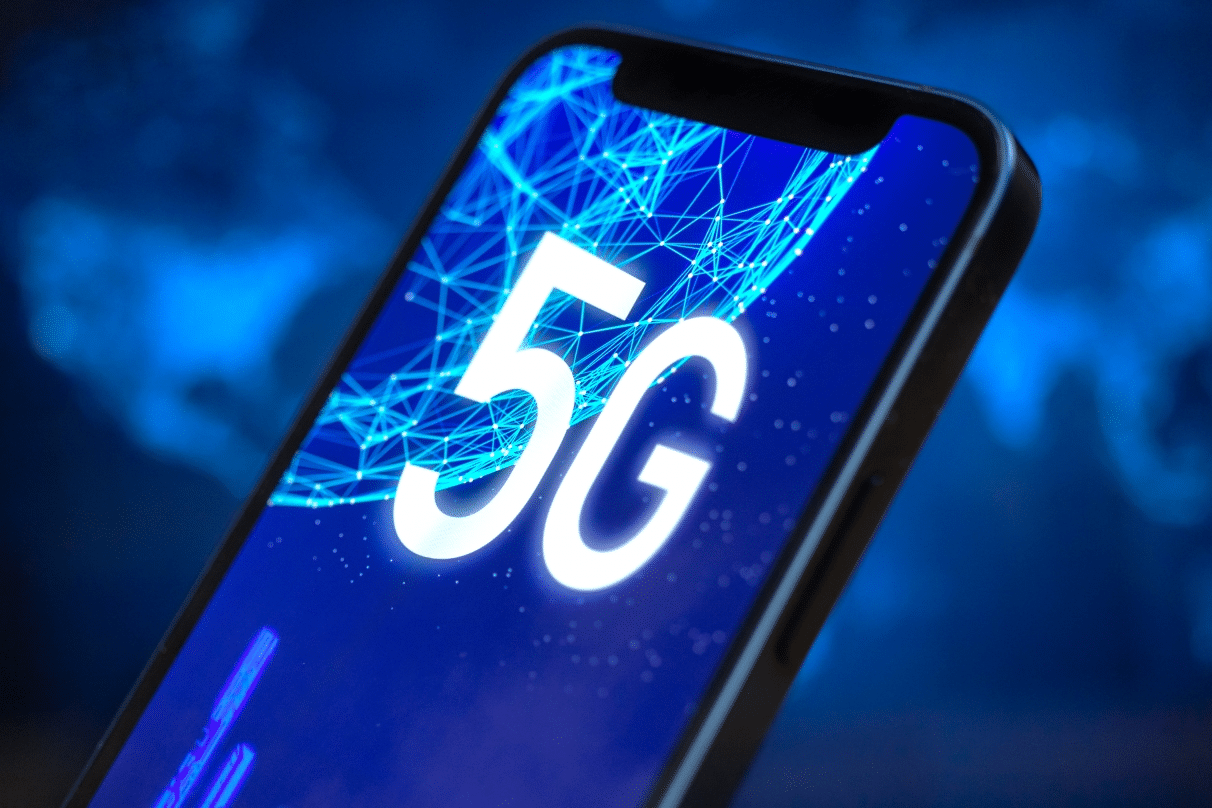
5G technology is revolutionizing mobile connectivity, offering unprecedented speeds and reliability. Activating 5G on your smartphone unlocks a world of enhanced performance and seamless experiences.


The fifth generation of wireless technology represents a massive leap forward from 4G LTE, promising download speeds up to 100 times faster and significantly reduced latency. Whether you’re streaming high-definition content, gaming online, or participating in video conferences, 5G connectivity transforms how you interact with your mobile device.
Anúncios
However, simply owning a 5G-capable smartphone doesn’t automatically mean you’re experiencing these benefits. Understanding how to properly activate and optimize 5G on your device is essential to fully leverage this cutting-edge technology. Let’s explore everything you need to know about enabling 5G on your mobile phone.
📱 Understanding 5G Compatibility Requirements
Before attempting to activate 5G, you must verify that your device supports this technology. Not all smartphones come equipped with 5G capabilities, and different models support varying 5G bands and frequencies.
Anúncios
Most flagship smartphones released after 2020 include 5G connectivity, but mid-range and budget devices may only support 4G LTE. Check your phone’s specifications on the manufacturer’s official website or in the device settings menu. Look for terms like “5G,” “5G NR,” or specific band information such as n78, n79, or mmWave support.
Additionally, your mobile carrier must offer 5G service in your area. Even with a 5G-capable phone, you won’t access 5G networks without carrier support and an appropriate data plan. Contact your service provider to confirm 5G availability and whether your current plan includes 5G access.
🔧 Step-by-Step Activation Process for Android Devices
Activating 5G on Android smartphones varies slightly depending on the manufacturer, but the general process remains consistent across most devices. The settings menus might have different names, but the fundamental steps are similar.
Samsung Galaxy Devices
For Samsung Galaxy phones, navigate to the Settings app by tapping the gear icon. Scroll down and select “Connections,” then tap on “Mobile networks.” Here you’ll find the “Network mode” option. Tap it and select “5G/LTE/3G/2G (auto connect)” or simply “5G” depending on your model.
Samsung devices often display different 5G options depending on your region and carrier. Some models offer separate settings for 5G standalone (SA) and non-standalone (NSA) modes, though most users should stick with the automatic setting.
Google Pixel Phones
Pixel users should open Settings and tap “Network & internet.” Select your SIM card or carrier name, then tap “Preferred network type.” Choose “5G” or “5G (recommended)” from the available options. Google Pixel devices typically include an adaptive connectivity feature that automatically switches between 4G and 5G based on signal strength and battery considerations.
OnePlus and Other Android Brands
For OnePlus, Xiaomi, Oppo, and similar Android devices, the process follows a comparable pattern. Open Settings, navigate to “SIM cards & mobile networks” or “Connections,” select your active SIM, and choose “Preferred network type” or “Network mode.” Select the option that includes 5G connectivity.

🍎 Enabling 5G on iPhone Models
Apple introduced 5G support with the iPhone 12 series and has included it in all subsequent models. The activation process for iPhones is straightforward and consistent across all 5G-capable devices running iOS 14 or later.
Open the Settings app and tap “Cellular” or “Mobile Data” depending on your region. Select “Cellular Data Options,” then tap “Voice & Data.” You’ll see three primary options: 5G On, 5G Auto, and LTE.
Choosing “5G On” forces your iPhone to use 5G whenever available, which provides the fastest speeds but may consume more battery. The “5G Auto” option represents Apple’s smart mode, automatically switching between 4G and 5G based on network conditions and data requirements. This balanced approach optimizes performance while conserving battery life.
For users with dual SIM capabilities, repeat this process for each line by selecting the appropriate cellular plan in the Cellular settings menu. Each SIM can have independent network preferences.
⚡ Troubleshooting Common 5G Activation Issues
Sometimes, despite following the correct steps, 5G connectivity doesn’t activate immediately. Several factors can prevent your device from accessing 5G networks, and understanding these obstacles helps resolve connection problems quickly.
Carrier Plan Limitations
The most common issue involves carrier restrictions. Many mobile providers require specific plans or add-ons for 5G access. Older unlimited plans or prepaid packages might not include 5G service by default. Contact your carrier’s customer service to verify your plan’s compatibility and upgrade if necessary.
Network Coverage Gaps
5G infrastructure deployment varies significantly by location. Urban areas typically have robust 5G coverage, while rural regions may still rely primarily on 4G LTE. Check your carrier’s coverage map to confirm 5G availability in your area. Your phone won’t display 5G indicators if you’re outside coverage zones.
Software Updates Required
Outdated operating systems or carrier settings can prevent 5G activation. Manufacturers regularly release updates that improve network compatibility and fix connectivity bugs. Navigate to your device’s software update section and install any available system updates. Additionally, update carrier settings when prompted, as these contain critical network configuration information.
Physical SIM vs. eSIM Considerations
Some carriers offer 5G exclusively through specific SIM types. Older physical SIM cards might not support 5G networks, requiring a SIM replacement from your carrier. Conversely, some providers prioritize eSIM technology for 5G activation. Verify with your carrier whether your current SIM supports 5G or if you need an upgrade.
🌐 Understanding Different 5G Network Types
Not all 5G connections deliver identical performance. Carriers deploy multiple 5G variants, each offering different speed and coverage characteristics. Recognizing these differences helps set realistic expectations about your 5G experience.
Low-Band 5G
Low-band 5G operates on frequencies below 1 GHz, providing widespread coverage similar to 4G LTE. While coverage is excellent, speeds only moderately exceed 4G, typically ranging from 50-250 Mbps. This version represents the foundation of most carriers’ 5G networks, especially in suburban and rural areas.
Mid-Band 5G
Mid-band 5G, operating between 1-6 GHz, balances speed and coverage effectively. This technology delivers significantly faster speeds than low-band, often reaching 300-900 Mbps, while maintaining reasonable coverage distances. Mid-band represents the sweet spot for most users and is becoming increasingly common in metropolitan areas.
High-Band 5G (mmWave)
Millimeter wave 5G operates above 24 GHz, delivering extraordinary speeds exceeding 1 Gbps and potentially reaching several gigabits per second. However, mmWave signals travel short distances and struggle to penetrate buildings. This technology appears primarily in dense urban environments, stadiums, and airports where ultra-high speeds justify the infrastructure investment.
Your phone’s status bar might display different 5G indicators depending on the network type. Some carriers use “5G,” “5G+,” “5G UW,” or “5G UC” to distinguish between network tiers. Understanding these designations helps you know what performance to expect.
🔋 Managing Battery Life with 5G Connectivity
5G technology, particularly when constantly searching for signals or using high-band networks, consumes more power than 4G LTE. Implementing smart management strategies helps you enjoy 5G benefits without drastically reducing battery life.
Most smartphones offer adaptive 5G modes that intelligently switch between network types based on usage patterns. iPhones call this “5G Auto,” while Android devices may label it “Smart 5G” or “Adaptive connectivity.” These features maintain 4G connections for basic tasks like messaging and email, switching to 5G only for bandwidth-intensive activities like video streaming or large downloads.
If battery preservation is critical, manually switching to 4G LTE when 5G speeds aren’t necessary extends usage time significantly. You can toggle between network types throughout the day based on your immediate needs, reverting to 5G when performance matters most.
Additionally, disabling 5G when in areas with weak coverage prevents your phone from constantly searching for signals, which drains batteries rapidly. If you notice poor 5G connectivity, temporarily switching to 4G improves both battery life and connection stability.
📊 Testing Your 5G Connection Speed
After activating 5G, verifying your actual network performance confirms everything works correctly. Speed testing apps provide detailed insights into your connection quality, helping you understand the real-world benefits of 5G technology.
Popular speed test applications like Speedtest by Ookla, Fast.com, and specialized 5G testing tools measure download speeds, upload speeds, latency, and jitter. Run multiple tests at different times and locations to establish baseline performance expectations for your carrier and area.
When testing, ensure you’re actually connected to 5G by checking your status bar icon. Disable Wi-Fi to guarantee tests use cellular data. Compare results against your carrier’s advertised 5G speeds, keeping in mind that network congestion, weather conditions, and distance from cell towers affect performance.
Document speeds across different 5G network types if your carrier deploys multiple variants. You’ll likely notice dramatic differences between low-band and mmWave connections, with mid-band offering consistent middle-ground performance.
🌍 International Roaming with 5G
Traveling internationally with a 5G device introduces additional considerations. 5G availability, band compatibility, and roaming agreements vary significantly between countries and carriers.
Before traveling, research whether your destination country has deployed 5G networks and if your carrier offers 5G roaming agreements. Even if 5G exists locally, your home carrier might restrict roaming to 4G networks, or international roaming plans may not include 5G access.
Device compatibility also matters internationally. Different regions utilize different 5G frequency bands, and not all phones support every global 5G band. Check whether your specific phone model supports the 5G bands used in your destination country to avoid connectivity disappointments.
🔐 Security Considerations for 5G Networks
While 5G technology includes enhanced security features compared to previous generations, users should still practice safe connectivity habits. The increased speeds and lower latency of 5G make it an attractive target for sophisticated cyber threats.
Always verify you’re connected to legitimate carrier networks rather than fake cellular towers or “stingrays” that intercept mobile communications. Use VPN services when transmitting sensitive information, especially on public 5G networks in crowded areas.
Keep your device’s operating system and security patches current, as manufacturers regularly address vulnerabilities that could compromise 5G connections. Enable automatic updates to ensure you’re always protected against the latest threats.
🚀 Maximizing Your 5G Experience
Beyond simply activating 5G, several strategies help you extract maximum value from this advanced connectivity. Understanding when and how to leverage 5G capabilities transforms your mobile experience.
Take advantage of 5G speeds for activities previously impractical on mobile networks. Cloud gaming services like Xbox Cloud Gaming, NVIDIA GeForce Now, and PlayStation Remote Play become truly mobile experiences with 5G’s low latency and high bandwidth. Stream 4K and even 8K video content without buffering or quality degradation.
Utilize 5G for rapid large file transfers, whether backing up photos to cloud services, downloading movies for offline viewing, or sharing high-resolution videos with friends and family. Tasks that once required Wi-Fi connections now complete seamlessly over cellular networks.
For professionals, 5G enables genuine mobile productivity. Participate in high-quality video conferences without connection drops, access large corporate files instantly, and collaborate in real-time on cloud-based documents without performance compromises.
🔮 Future Developments in 5G Technology
The 5G ecosystem continues evolving rapidly, with carriers expanding coverage and improving performance continuously. Understanding upcoming developments helps you make informed decisions about device purchases and plan selections.
Standalone 5G networks (5G SA) represent the next major advancement, eliminating dependency on 4G LTE infrastructure. Unlike current non-standalone implementations (5G NSA) that use 4G as an anchor, standalone 5G delivers the technology’s full potential, including ultra-low latency applications like augmented reality and autonomous vehicle communications.
Carriers worldwide are investing billions in mid-band spectrum acquisition and deployment, which will significantly improve the balance between coverage and speed. As mid-band networks expand, more users will consistently experience the transformative speeds that define true 5G performance.
Device manufacturers continue refining 5G modem technology, improving power efficiency and expanding band support. Future smartphones will deliver better battery life while maintaining 5G connections, eliminating one of the primary current drawbacks.
💡 Making the Most of Your 5G Investment
Activating 5G represents just the beginning of your enhanced connectivity journey. By understanding your device’s capabilities, your carrier’s network infrastructure, and the practical applications that benefit most from 5G speeds, you transform how you use your smartphone daily.
Remember that 5G availability and performance vary significantly by location, carrier, and time of day. Be patient as networks mature and coverage expands. The technology is still relatively young, and substantial improvements will continue emerging over the coming years.
Whether you’re streaming entertainment, working remotely, gaming competitively, or simply browsing social media, 5G connectivity enhances every aspect of your mobile experience. Take time to explore the settings and options available on your specific device, experiment with different network modes, and discover which configuration best suits your usage patterns and priorities.
The future of mobile connectivity is here, and with proper activation and optimization, you’re now fully equipped to experience everything 5G technology has to offer. Enjoy faster downloads, smoother streaming, and more reliable connections as you explore the possibilities this revolutionary technology unlocks. 🚀
