
Anúncios
Your smartphone can now replace traditional measuring tools with advanced augmented reality apps that turn your camera into a precise digital tape measure.


Gone are the days when measuring spaces, furniture, or objects required bulky tape measures or rulers. Modern smartphones equipped with AR technology and advanced sensors can accurately measure distances, heights, and dimensions with just a few taps.
Anúncios
This revolutionary capability has transformed how we approach home improvement projects, interior design, and everyday measurements.

Whether you’re planning to buy new furniture, hanging pictures on the wall, or calculating room dimensions for renovation, digital measuring apps provide instant, reliable results. These tools leverage your phone’s camera and built-in sensors to create virtual measurements that rival traditional methods in accuracy and exceed them in convenience.
Anúncios
📱 How Your Smartphone Becomes a Measuring Device
The technology behind digital tape measure apps combines several sophisticated components working in harmony. Most modern smartphones contain accelerometers, gyroscopes, and advanced camera systems that collect spatial data. When you point your camera at a surface or object, the app processes this information to calculate real-world dimensions.
Augmented reality frameworks like ARKit for iOS and ARCore for Android form the foundation of these measurement capabilities. These platforms map your environment in three dimensions, identifying surfaces, edges, and depth. The result is a digital overlay that allows you to place virtual measuring points with remarkable precision.
The accuracy of these measurements depends on proper calibration and lighting conditions. Most apps achieve accuracy within 1-2% for distances up to 10 feet, making them suitable for the majority of household and professional applications. Understanding how to use your device correctly ensures optimal results every time.
🛠️ Essential Features of Digital Measuring Apps
Top-tier measuring applications offer far more than simple distance calculations. They include comprehensive toolsets that address various measurement scenarios you might encounter in daily life or professional work.
Distance and Length Measurement
The primary function allows you to measure straight-line distances between two points. Simply tap to set a starting point, then move your phone to the endpoint. The app displays the measurement in real-time, updating as you adjust the position. Most applications support both metric and imperial units, switching between them instantly.
Area and Volume Calculations
Advanced apps calculate the area of floors, walls, or surfaces by measuring multiple points to create a polygon. Volume measurement extends this concept into three dimensions, perfect for determining room capacity or shipping container dimensions. These calculations happen automatically once you define the boundary points.
Height Measurement Tools
Determining the height of objects or people becomes effortless with dedicated height measurement modes. Point your camera at the base, then slowly move upward to the top. The app uses the floor plane as a reference point and calculates vertical distance accurately.
Angle and Level Functions
Many digital measuring tools include inclinometer features that measure angles and slopes. These prove invaluable when hanging shelves, checking if surfaces are level, or determining the pitch of a roof. The digital level function uses your phone’s built-in sensors for precise angle readings.
🎯 Practical Applications in Everyday Life
Digital tape measure apps solve real-world problems across numerous scenarios. Their versatility makes them indispensable tools for homeowners, renters, professionals, and hobbyists alike.
Home Improvement and Renovation Projects
Planning a kitchen remodel or bathroom upgrade requires precise measurements of existing spaces and fixtures. With your digital measuring tool, you can quickly capture dimensions of cabinets, countertops, and appliances. Save these measurements with photos and annotations directly in the app, creating a comprehensive reference for contractors or your own planning.
Measuring walls for paint calculation becomes straightforward. Calculate total wall area, subtract windows and doors, and determine exactly how much paint you need. This precision prevents overbuying materials and saves money on every project.
Furniture Shopping and Placement
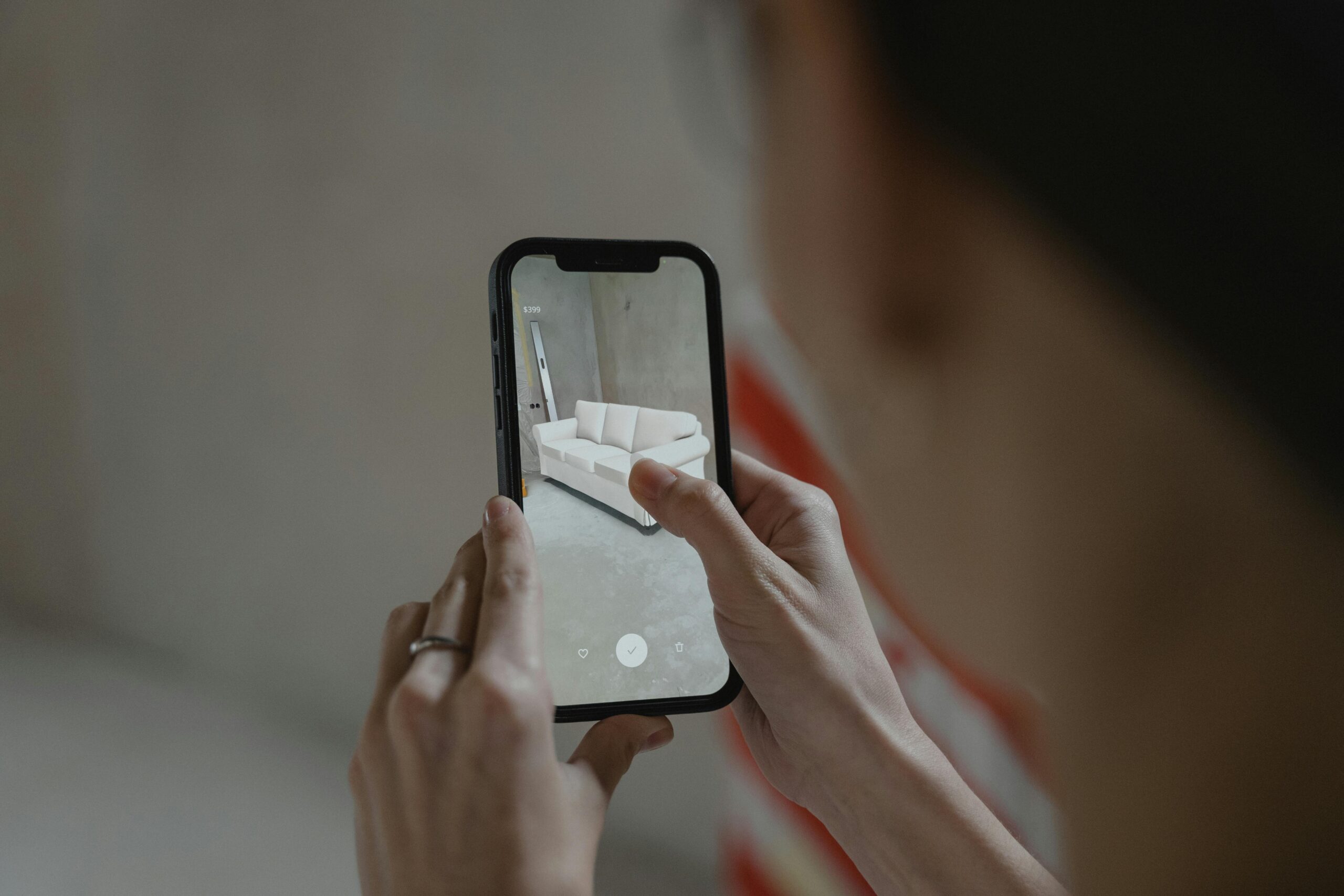
Before purchasing that beautiful sofa online, measure your living room accurately to ensure proper fit. Check doorway widths, hallway clearances, and the exact space where the furniture will sit. Many measuring apps let you create virtual outlines, helping you visualize how new pieces will look in your space.
Rearranging furniture becomes less physically demanding when you measure first. Plan the layout digitally, ensuring everything fits before moving heavy items around. This approach saves time, energy, and prevents potential damage to floors or walls.
Real Estate and Property Assessment
Property managers, real estate agents, and prospective buyers benefit enormously from mobile measuring tools. Quickly assess room dimensions during property viewings, verify listed square footage, and calculate storage capacity. Document measurements alongside photos to compare multiple properties objectively.
Professional and Commercial Uses
Contractors, interior designers, and architects increasingly rely on smartphone measuring apps for preliminary assessments and quick field measurements. While professional surveying equipment remains essential for critical applications, mobile apps handle countless daily measurement tasks efficiently.
Delivery and logistics professionals use these tools to verify package dimensions, ensure items fit through doorways, and plan loading configurations. The instant nature of digital measurements accelerates workflows significantly.
💡 Tips for Maximum Accuracy
Achieving professional-grade results with your digital tape measure requires understanding best practices and optimal usage techniques.
Lighting Conditions Matter
Adequate lighting helps your phone’s camera identify surfaces and edges clearly. Avoid extremely bright conditions that cause glare or very dim environments where the camera struggles to focus. Natural daylight or well-distributed indoor lighting produces the most reliable results.
Steady Movements and Positioning
Move your phone slowly and deliberately when setting measurement points. Quick, jerky movements confuse the AR tracking system and reduce accuracy. Hold your device steady when tapping to place markers, allowing the system to lock onto the precise position.
Surface Recognition and Calibration
Most apps require a brief calibration period when you first open them. Move your phone slowly in a figure-eight pattern or follow on-screen instructions to help the app understand your environment. This step significantly improves measurement precision.
Textured surfaces with visible patterns help the AR system track movement better than completely blank walls. If measuring smooth, featureless surfaces, try placing a temporary marker like a piece of tape to give the system a reference point.
Verify Critical Measurements
For important projects, take multiple measurements of the same distance and compare results. If consistency appears, you can trust the reading. When absolute precision is essential, verify digital measurements against traditional tools for peace of mind.
🔍 Choosing the Right Measuring App
Numerous apps offer measurement capabilities, but quality and features vary significantly. Understanding what separates excellent apps from mediocre ones helps you select the best tool for your needs.
User Interface and Ease of Use
The best measuring apps feature intuitive interfaces that don’t require extensive tutorials. Clear visual indicators show where to tap, how to move your phone, and when measurements are complete. Cluttered interfaces with confusing icons frustrate users and slow down the measuring process.
Measurement History and Organization
Look for apps that save your measurements automatically, organizing them by project, date, or location. The ability to add photos, notes, and labels to saved measurements transforms your app into a comprehensive documentation tool. Export functions that allow sharing via email or cloud storage add valuable flexibility.
Unit Conversion and Customization
Quality apps support multiple measurement units and allow instant conversion between them. Customization options for display colors, measurement precision levels, and interface layout ensure the app adapts to your specific preferences and requirements.
Additional Tools and Features
Many comprehensive measuring apps bundle additional utilities like flashlights, compasses, protractors, and rulers. While not essential, these bonus features increase the app’s overall utility and may eliminate the need for separate applications.
⚡ Advanced Techniques for Power Users
Once you’ve mastered basic measurements, exploring advanced techniques unlocks even greater potential from your digital tape measure.
Creating Floor Plans and Diagrams
Some sophisticated apps generate basic floor plans as you measure room perimeters. Walk around a space, marking corners and doorways, and watch as the app constructs a to-scale diagram. Export these plans to share with contractors, designers, or for personal reference.
3D Object Scanning
Cutting-edge measuring applications incorporate 3D scanning capabilities, capturing complete object models rather than simple measurements. This technology proves invaluable when you need to replicate complex shapes or create digital twins of physical objects.
Integration with Other Apps
Look for measuring apps that integrate with design software, note-taking applications, or project management tools. This connectivity streamlines workflows, automatically transferring measurements to wherever you need them without manual data entry.
🌟 Overcoming Common Challenges
Even the best measuring apps encounter occasional difficulties. Recognizing common issues and knowing how to address them ensures consistent success.
Handling Reflective or Transparent Surfaces
Mirrors, glass, and highly polished surfaces confuse AR tracking systems. When measuring these materials, focus on the frame or edge rather than the reflective surface itself. Alternatively, place temporary markers like sticky notes on the surface to give the camera something tangible to recognize.
Measuring in Confined Spaces
Tight quarters like closets or bathrooms limit your ability to move the phone freely. In these situations, measure in segments, combining multiple shorter measurements to calculate total distance. Some apps offer corner-measurement modes specifically designed for cramped spaces.
Dealing with Irregular Shapes
Curved walls, angled ceilings, and irregular objects require creative measurement approaches. Break complex shapes into simpler geometric components, measure each separately, then combine the results. Apps with polygon measurement modes simplify this process considerably.
🔐 Privacy and Data Considerations
When using camera-based apps, understanding privacy implications and data usage is important. Reputable measuring applications process AR data locally on your device rather than uploading camera feeds to cloud servers. Review app permissions carefully and choose developers with clear privacy policies.
Most quality apps don’t require internet connectivity for basic measurement functions, operating entirely offline. This approach protects your privacy while ensuring the app works anywhere, even in locations without cellular service or Wi-Fi.
🚀 The Future of Mobile Measurement Technology
Smartphone measurement capabilities continue advancing rapidly as hardware and software improve. Newer phone models incorporate LiDAR sensors that dramatically increase accuracy and work effectively in low-light conditions. These sensors emit laser pulses to map environments with millimeter-level precision.
Artificial intelligence increasingly enhances measurement apps, automatically detecting objects, suggesting measurement points, and correcting for common user errors. Machine learning algorithms analyze thousands of measurements to identify patterns and improve accuracy over time.
Integration with augmented reality furniture placement, virtual home staging, and immersive design tools represents the next evolution. Soon, you’ll measure a room, virtually place furniture, and visualize complete design schemes entirely within a single application ecosystem.
✅ Making Digital Measurements Part of Your Routine
Adopting smartphone measuring tools as your go-to solution requires building new habits. Keep your measuring app easily accessible on your home screen, ready whenever measurement needs arise. The convenience factor alone ensures you’ll reach for your phone instead of searching for traditional measuring tools.
Practice using the app in low-stakes situations to build confidence and proficiency. Measure familiar objects and compare results against known dimensions. This experimentation phase helps you understand the app’s capabilities and limitations without pressure.
Share your discoveries with friends, family, and colleagues. Many people remain unaware that their phones possess these powerful capabilities. Demonstrating the technology often inspires others to adopt digital measuring tools, creating a community of users who can exchange tips and best practices.
📊 Comparing Digital and Traditional Measuring Methods
Understanding when digital measurements excel and when traditional tools remain superior helps you choose the right approach for each situation.
| Aspect | Digital Measuring Apps | Traditional Tape Measures |
|---|---|---|
| Convenience | Always with you, no additional tools needed | Requires carrying separate equipment |
| Accuracy | 1-2% margin for most measurements | Highly accurate when used properly |
| Speed | Instant measurements with automatic calculations | Manual measurement and calculation required |
| Documentation | Automatic saving with photos and notes | Manual recording necessary |
| Versatility | Multiple measurement modes and tools | Limited to length measurements |
| Learning Curve | Brief familiarization period needed | Immediately intuitive for most users |
Both approaches have merit, and the ideal solution often involves using them complementarily. Digital tools handle quick assessments and preliminary measurements, while traditional methods verify critical dimensions when absolute precision is essential.
🎨 Creative Applications Beyond Standard Measurements
Innovative users have discovered unexpected ways to leverage smartphone measuring capabilities for creative and unique purposes.
Artists use measurement apps to calculate canvas sizes, determine proper hanging heights for gallery displays, and create precise geometric compositions. The ability to quickly measure and document spaces helps in planning installations and exhibitions.
Gardeners and landscapers measure plot dimensions, calculate mulch and soil quantities, and plan garden layouts. The portability of smartphone tools makes outdoor measurements convenient regardless of weather or location.
Parents track children’s growth using height measurement features, creating digital records that document development over time. Some apps include specific modes for measuring people, ensuring accurate and consistent results.
Travelers use measuring apps to verify luggage dimensions before flights, ensure souvenirs will fit in suitcases, and assess whether furniture purchases will survive the journey home. This prevents costly shipping surprises and travel frustrations.
🔧 Troubleshooting Common Technical Issues
Occasionally, measuring apps encounter technical problems that affect performance. Most issues have simple solutions that restore full functionality quickly.
If measurements seem consistently inaccurate, recalibrate your device by restarting the app and following the initial setup process again. Clear the app’s cache if performance seems sluggish or if the interface becomes unresponsive.
Update your phone’s operating system and the measuring app regularly to ensure you have the latest AR improvements and bug fixes. Developers continuously refine measurement algorithms, and updates often bring noticeable accuracy improvements.
When the app fails to detect surfaces or refuses to place measurement points, check your camera lens for smudges or obstructions. A clean lens dramatically improves AR tracking reliability.
💼 Professional Standards and Limitations
While smartphone measuring apps deliver impressive capabilities, understanding their limitations prevents inappropriate applications in professional contexts.
For construction projects requiring building permits, legal property surveys, or structural engineering calculations, traditional professional measurement tools remain mandatory. Digital apps complement professional workflows but shouldn’t replace certified equipment in regulated applications.
Insurance assessments, property appraisals, and legal documentation typically require measurements from calibrated, certified instruments. Using smartphone apps for preliminary estimates is acceptable, but official records need traditional verification.
In commercial and industrial settings, safety considerations may dictate specific measurement protocols. Always defer to established procedures and regulations rather than relying solely on mobile technology.
🌍 Accessibility and Universal Design Benefits
Digital measuring tools democratize measurement capabilities, making them accessible to people who might struggle with traditional tape measures.
Individuals with limited mobility appreciate not needing to bend, stretch, or reach difficult areas to obtain measurements. Point your phone camera from a comfortable position and let technology handle the physical aspects.
Visual impairments don’t necessarily prevent using measuring apps, as many include voice feedback features that announce measurements audibly. Accessibility-focused apps comply with screen reader standards, ensuring inclusive design.
The learning curve for digital measurements often proves gentler than mastering traditional tools, particularly for younger users or those unfamiliar with manual measuring techniques. Intuitive interfaces guide users through each step, reducing frustration and errors.
Your smartphone has evolved into a remarkably capable measurement tool that handles countless everyday scenarios with impressive accuracy and convenience. By understanding how to leverage these capabilities effectively, you transform a device already in your pocket into a versatile digital tape measure ready whenever measurement needs arise. Whether furnishing your home, planning renovations, or simply satisfying curiosity about the world around you, mobile measuring technology delivers practical solutions that save time, effort, and money while opening new possibilities for creativity and precision.
