
Anúncios
Listening to AM/FM radio on your cell phone has become easier than ever, bringing traditional broadcasting directly to your mobile device with impressive clarity and convenience.


For decades, radio has been a trusted companion for millions of people worldwide. Whether you’re commuting to work, relaxing at home, or traveling to a new city, radio connects you to music, news, sports, and entertainment. While traditional radios still have their place, smartphones have revolutionized how we access these broadcasts.
Anúncios
Today’s mobile devices offer multiple ways to tune into AM and FM stations, from built-in FM chips to sophisticated streaming apps. Understanding your options helps you choose the best method for your needs, whether you’re looking to save data, discover new stations, or enjoy crystal-clear audio quality wherever you go.
📻 The Evolution of Radio on Mobile Devices
The journey of radio technology on smartphones reflects broader changes in how we consume media. Early mobile phones occasionally included FM radio functionality, but it wasn’t until smartphones became ubiquitous that radio listening truly transformed into a mobile experience.
Anúncios
Modern smartphones contain surprisingly capable radio hardware. Many devices include an FM chip that can receive local broadcasts directly, similar to traditional radios. However, manufacturers don’t always activate this feature, preferring instead to promote streaming services that consume cellular data.
This has created an interesting situation where your phone might have radio capabilities you didn’t even know existed. Advocacy groups have pushed for manufacturers to enable these chips, especially for emergency preparedness, since radio works even when cellular networks are overwhelmed.
🔧 Understanding FM Chip Technology in Smartphones
The FM chip inside many smartphones is typically part of the device’s wireless connectivity hardware. This tiny component can pick up standard FM radio frequencies, usually ranging from 87.5 to 108 MHz, which covers most commercial FM stations worldwide.
Using the FM chip offers several advantages over streaming. First, it doesn’t consume your data plan, making it ideal for those with limited mobile data. Second, it draws significantly less battery power than streaming audio over the internet. Third, reception quality often surpasses streaming, especially in areas with poor cellular coverage.
However, there’s a catch: you’ll need to plug in headphones. The FM chip uses your headphone cable as an antenna to receive broadcasts. While this might seem inconvenient in the era of wireless earbuds, it’s a small trade-off for the benefits the technology provides.
Which Phones Have FM Radio Capability? 📱
Not all smartphones support FM radio, and even those with the hardware don’t always have it enabled. Generally, mid-range Android devices are more likely to include activated FM functionality than premium flagship models or iPhones.
Many Samsung Galaxy devices, especially those sold in international markets, support FM radio. LG phones historically included excellent FM radio apps. Motorola, HTC, and various Chinese manufacturers like Xiaomi and OnePlus often enable this feature in select models.
Apple’s iPhones, unfortunately, don’t provide native FM radio support, even though some models contain the necessary hardware. This design decision pushes users toward internet-based listening options, which aligns with Apple’s ecosystem strategy of promoting streaming services.
🌐 Streaming AM/FM Radio Through Internet Apps
For those whose devices lack FM chips or who want access to stations beyond local broadcasts, streaming apps provide an excellent alternative. These applications connect to thousands of radio stations worldwide, delivering their content over your internet connection.
Streaming offers remarkable flexibility. You can listen to a station from your hometown while traveling abroad, discover niche stations that match your specific interests, or explore international broadcasts in different languages. The selection is virtually limitless.

Popular radio streaming apps include TuneIn Radio, iHeartRadio, Radio.com, and Simple Radio, among many others. These platforms aggregate stations from around the globe, organize them by genre and location, and provide user-friendly interfaces that make discovery enjoyable.
The main drawback is data consumption. Streaming audio typically uses between 40-128 MB per hour, depending on quality settings. While this isn’t enormous by modern standards, it can add up quickly if you listen regularly without Wi-Fi access. Battery usage also tends to be higher than using an FM chip.
Best Radio Streaming Apps for Your Phone 🎧
Choosing the right app depends on your listening preferences and priorities. Some apps focus on local stations with news and talk radio, while others emphasize music discovery and international content.
TuneIn Radio stands out for its comprehensive station directory, including sports broadcasts, podcasts, and specialty programming. The interface is clean and intuitive, making it easy to find exactly what you want. Premium subscriptions remove ads and add features like recording.
Simple Radio offers an exceptional combination of simplicity and functionality. With access to over 40,000 stations worldwide, it provides both AM and FM content through a straightforward interface. The app includes favorites management, sleep timers, and works smoothly even on older devices.
iHeartRadio excels if you’re primarily interested in major American stations. It also offers original podcasts and the ability to create custom stations based on your music preferences, blending traditional radio with personalized streaming.
⚡ Maximizing Your Mobile Radio Experience
Getting the best possible experience from mobile radio requires attention to a few key factors. Audio quality, data management, and battery conservation all play important roles in determining whether radio becomes a regular part of your mobile routine.
For FM chip users, headphone selection matters more than you might expect. Since the cable functions as the antenna, longer cables sometimes provide better reception. Experiment with different headphones to find which delivers the clearest signal in your area.
Position matters too. FM signals can be blocked by buildings, underground spaces, and certain construction materials. If you’re experiencing poor reception, try moving near a window or going outside briefly to see if signal quality improves.
Managing Data Usage While Streaming Radio 📊
If you’re streaming radio over the internet, understanding data consumption helps avoid unexpected charges. Most streaming apps offer quality settings that balance audio fidelity against data usage.
Lower quality streams (around 64 kbps) use approximately 30 MB per hour and work well for talk radio and casual listening. Standard quality (128 kbps) doubles data usage to about 60 MB per hour but significantly improves music listening. High-quality streams can exceed 256 kbps, consuming well over 100 MB hourly.
Consider these strategies to minimize data usage: connect to Wi-Fi whenever possible, use lower quality settings for non-music content, download favorite shows or podcasts when on Wi-Fi for offline listening, and monitor your monthly data consumption through your phone’s settings.
🚗 Radio Apps for Driving and Travel
Mobile radio truly shines during travel. Whether you’re commuting daily or embarking on a road trip, having access to radio stations keeps you entertained and informed without requiring constant interaction with your device.
Most radio apps integrate seamlessly with car systems through Bluetooth, Android Auto, or Apple CarPlay. This integration allows you to control playback using steering wheel buttons or voice commands, maintaining safety while driving.
For travelers, mobile radio offers a unique advantage: discovering local culture through regional stations. Tuning into local broadcasts as you move through different areas provides insights into community concerns, regional music styles, and local personalities that guidebooks can’t match.
Emergency Preparedness and Radio Access 🆘
Radio’s importance extends beyond entertainment. During emergencies, when cellular networks become overloaded or power outages affect internet infrastructure, FM radio often remains operational, providing critical information from emergency services.
This is why advocacy groups have pressured smartphone manufacturers to activate FM chips. A phone with working FM radio can receive emergency broadcasts even when data connections fail, potentially providing life-saving information during natural disasters or other crises.
If emergency preparedness matters to you, verify whether your current phone supports FM radio. If not, consider this feature when purchasing your next device. Additionally, keep a pair of wired headphones accessible, even if you normally use Bluetooth, as they’re required for FM reception.
🎵 Discovering New Music Through Radio Apps
While streaming services like Spotify and Apple Music dominate music discovery, radio offers a different experience that many listeners find refreshing. Live DJs provide context, introduce emerging artists, and create a sense of community that algorithm-generated playlists can’t replicate.
College radio stations, accessible through streaming apps, are particularly valuable for discovering underground and independent music. These stations operate without commercial pressures, allowing them to take risks on unconventional artists and genres.
Many radio apps include genre filters and recommendation features. Exploring stations tagged with your favorite genres often leads to surprising discoveries from markets you might never encounter otherwise. A jazz station in Tokyo, a reggae broadcaster in Jamaica, or an electronic music channel from Berlin could become your new favorite.
🔋 Battery Life Considerations for Radio Listening
Battery consumption varies significantly between FM chip usage and internet streaming. FM radio is remarkably efficient, sometimes using less than 5% battery per hour because it’s passive reception rather than active data transmission.
Streaming radio consumes considerably more power, typically draining 8-15% of battery per hour depending on your device, signal strength, and quality settings. The constant data connection requires your phone’s cellular or Wi-Fi radios to remain highly active.
To maximize battery life while listening, reduce screen brightness, close unnecessary background apps, enable battery saver modes, and consider downloading content for offline playback when your app supports it. If your phone has FM capability, use it whenever possible for the most efficient listening experience.
🌍 Accessing International Radio Stations
One of streaming’s greatest advantages is the ability to access stations from anywhere in the world. This feature benefits expatriates wanting to stay connected with home, language learners seeking immersive content, and curious listeners interested in global perspectives.
BBC World Service, Radio France Internationale, Deutsche Welle, and countless other international broadcasters stream their content globally. These stations provide news coverage from different viewpoints, helping listeners develop more nuanced understanding of international events.
Music enthusiasts can explore genre-defining stations from their countries of origin. Listen to fado from Portuguese stations, samba from Brazilian broadcasters, or K-pop from Korean channels, all with commentary and context that enhance the musical experience.
📱 Technical Requirements and Setup Process
Setting up radio on your phone is straightforward regardless of which method you choose. For FM radio using the built-in chip, you’ll need to download a compatible app like NextRadio or the manufacturer’s native FM app if one exists.
After installation, plug in wired headphones, launch the app, and allow it to scan for available stations. The app will create a list of receivable broadcasts in your area, typically organizing them by frequency. Save your favorites for quick access, and adjust any available audio settings to your preference.
For streaming apps, the process is even simpler. Download your chosen app, create an account if required, and begin browsing or searching for stations. Most apps offer tutorials during first launch, explaining key features and navigation options.
Troubleshooting Common Radio App Issues 🔍
Occasionally, you might encounter problems with radio reception or streaming. For FM radio, poor signal quality usually stems from inadequate antenna length or physical obstructions. Try different headphones or change your location to improve reception.
Streaming issues typically relate to internet connectivity. If stations buffer frequently, test your internet speed and consider switching to lower quality settings. Clearing the app’s cache or reinstalling it can resolve technical glitches that develop over time.
If an FM radio app won’t launch or claims your device isn’t supported, your phone likely doesn’t have an activated FM chip. Unfortunately, there’s no software workaround for missing or disabled hardware, so streaming becomes your only option.
🎯 Choosing Between FM Chips and Streaming Apps
Deciding which method suits you best depends on your specific needs and circumstances. FM chips excel when you’re focused on local stations, want to conserve data and battery, or need emergency broadcast access. They’re perfect for regular commuters and those living in areas with strong station presence.
Streaming apps win when you want variety beyond local offerings, need access to specific stations regardless of location, or prefer features like recording and pause/rewind functionality. They’re ideal for diverse musical tastes and anyone interested in international content.
Many users find that a combination approach works best. Use the FM chip for regular local listening during commutes and daily routines, then switch to streaming apps when you want something different or when traveling outside your usual reception area.
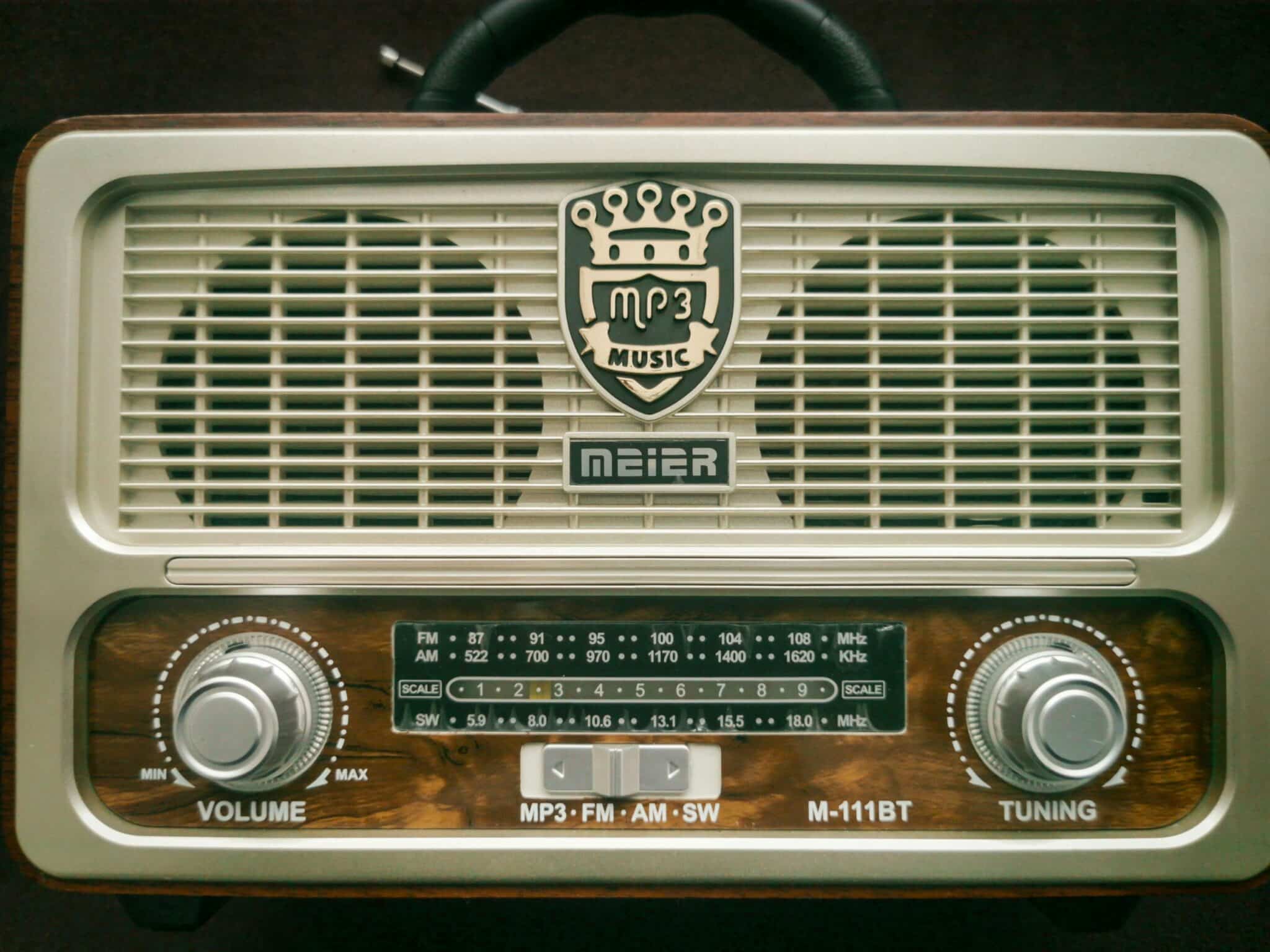
💡 Future of Radio Technology on Mobile Devices
The future of mobile radio looks promising despite the industry’s pivot toward streaming services. Growing awareness of emergency preparedness has strengthened arguments for maintaining and expanding FM chip activation across more devices.
Technological improvements continue enhancing both FM reception and streaming quality. Some manufacturers are experimenting with hybrid approaches that seamlessly switch between FM and streaming based on availability and quality, offering listeners the benefits of both technologies.
5G networks promise to make streaming even more efficient, with lower latency and reduced battery drain. This could narrow the gap between streaming and FM chip efficiency while maintaining streaming’s flexibility advantages.
Regardless of technical evolution, radio itself remains vital. The medium’s immediacy, local focus, and human curation continue attracting listeners who want more than algorithm-generated playlists. Your smartphone, whether through FM chips or streaming apps, provides the perfect gateway to this enduring form of media.
Understanding your options for listening to AM/FM radio on your cell phone empowers you to make the most of this technology. Whether you’re rediscovering local stations, exploring international broadcasts, or simply looking for an alternative to subscription streaming services, mobile radio offers a rich and accessible listening experience that fits perfectly into modern mobile lifestyles.
